100% Genuine Hardware GF05 Techno City Mall, Karachi 0321-5530993 0325-7033554

Accessories

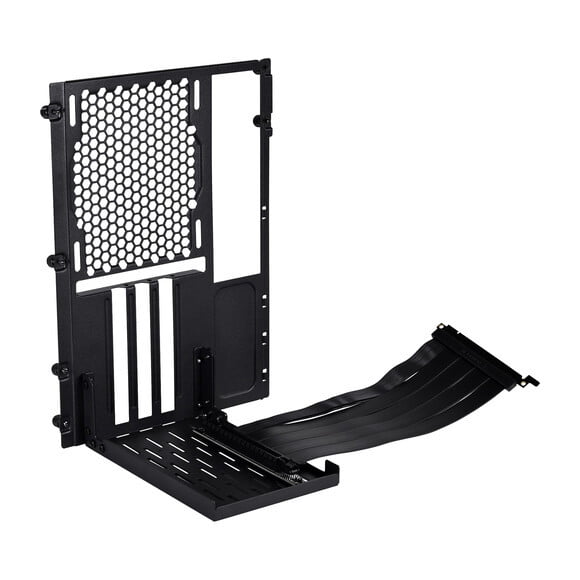
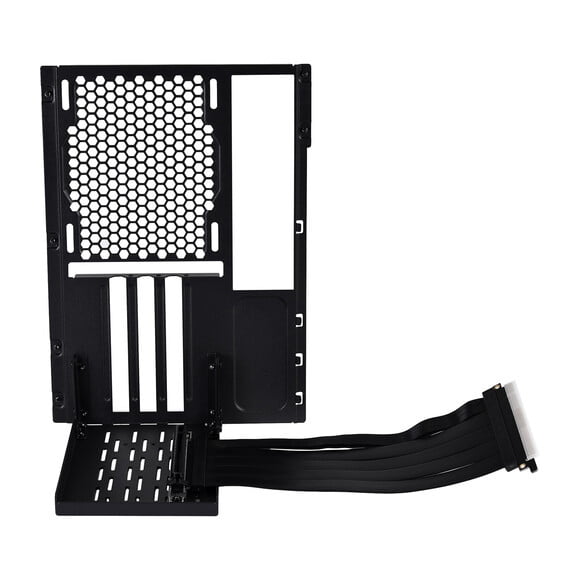
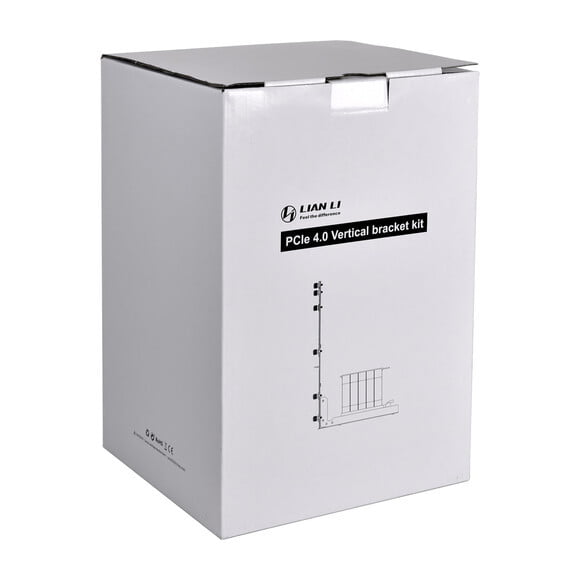
Lian Li O11DMINI-1 Vertical PCIe 4.0 GPU Bracket Kit - Black
In Stock

Lian Li O11DMINI-1 Vertical PCIe 4.0 GPU Bracket Kit - Black

Rs. 15,500
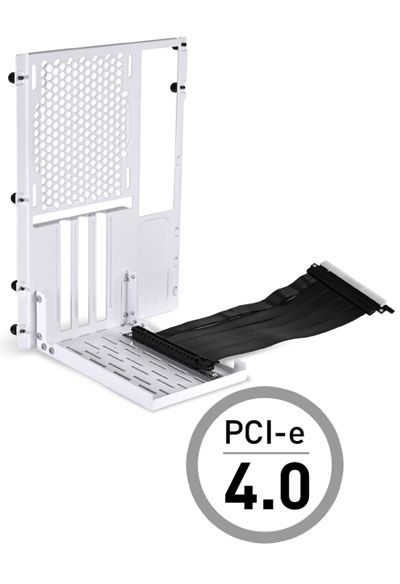
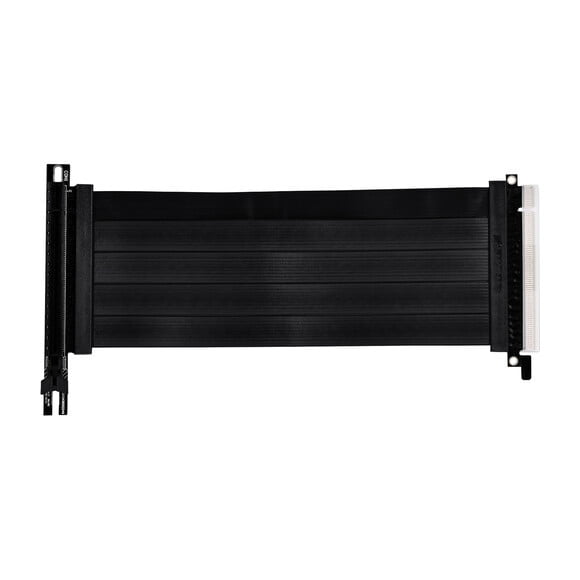
<div id="divProductDesc" class="details-description"><p>Vertical GPU mount accessory for the black and white O11D MINI which includes a 200mm long Gen4 x16 riser cable. Allows showing graphic card with simple installation and different configurations.</p><ul class="list_dkf_HqcGmV"><li class="listItem_dkf_HqcGmV" data-selenium="sellingPointsListItem">For O11D MINI Tower Cases</li><li class="listItem_dkf_HqcGmV" data-selenium="sellingPointsListItem">PCIe 4.0 Riser Cable</li><li class="listItem_dkf_HqcGmV" data-selenium="sellingPointsListItem">3 x PCIe Slots</li><li class="listItem_dkf_HqcGmV" data-selenium="sellingPointsListItem">Displays Front Design of Graphics Card</li><li class="listItem_dkf_HqcGmV" data-selenium="sellingPointsListItem">Easy Installation</li><li class="listItem_dkf_HqcGmV" data-selenium="sellingPointsListItem">Up &amp; Down Configurations</li></ul></div>
100% Genuine
Cash on Delivery
Easy Returns
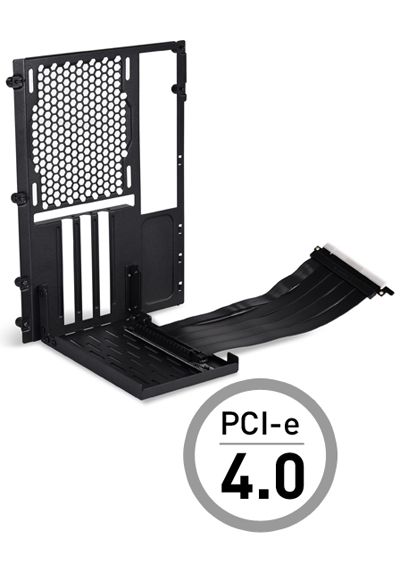
O11D MINI PCIe 4.0
VERTICAL GPU BRACKET KIT

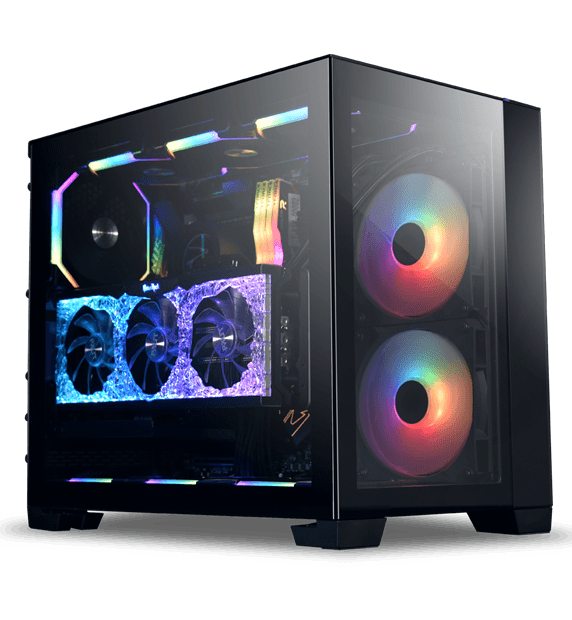
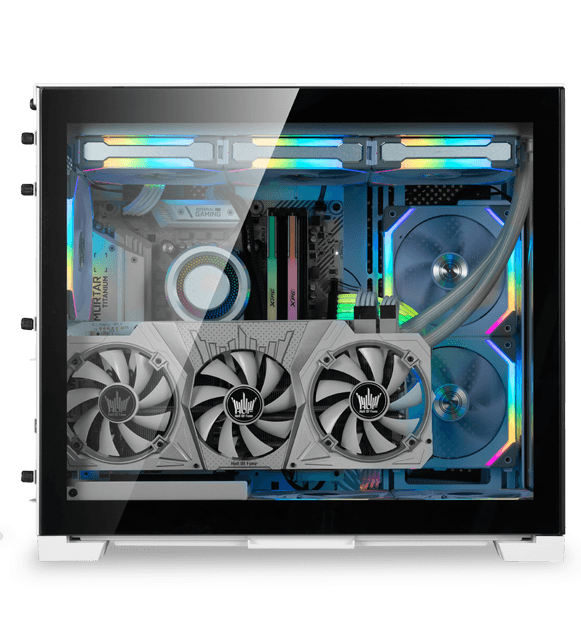
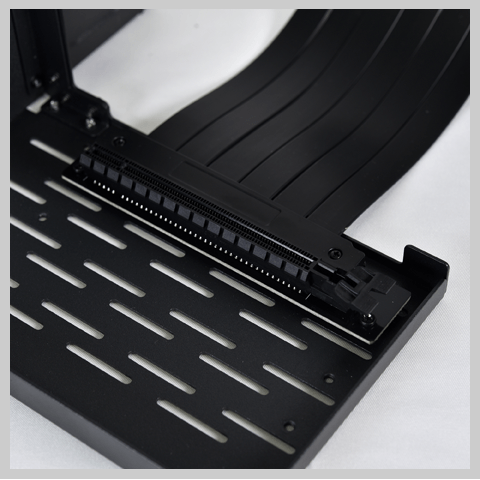
Vertical GPU mount accessory for the O11D MINI.

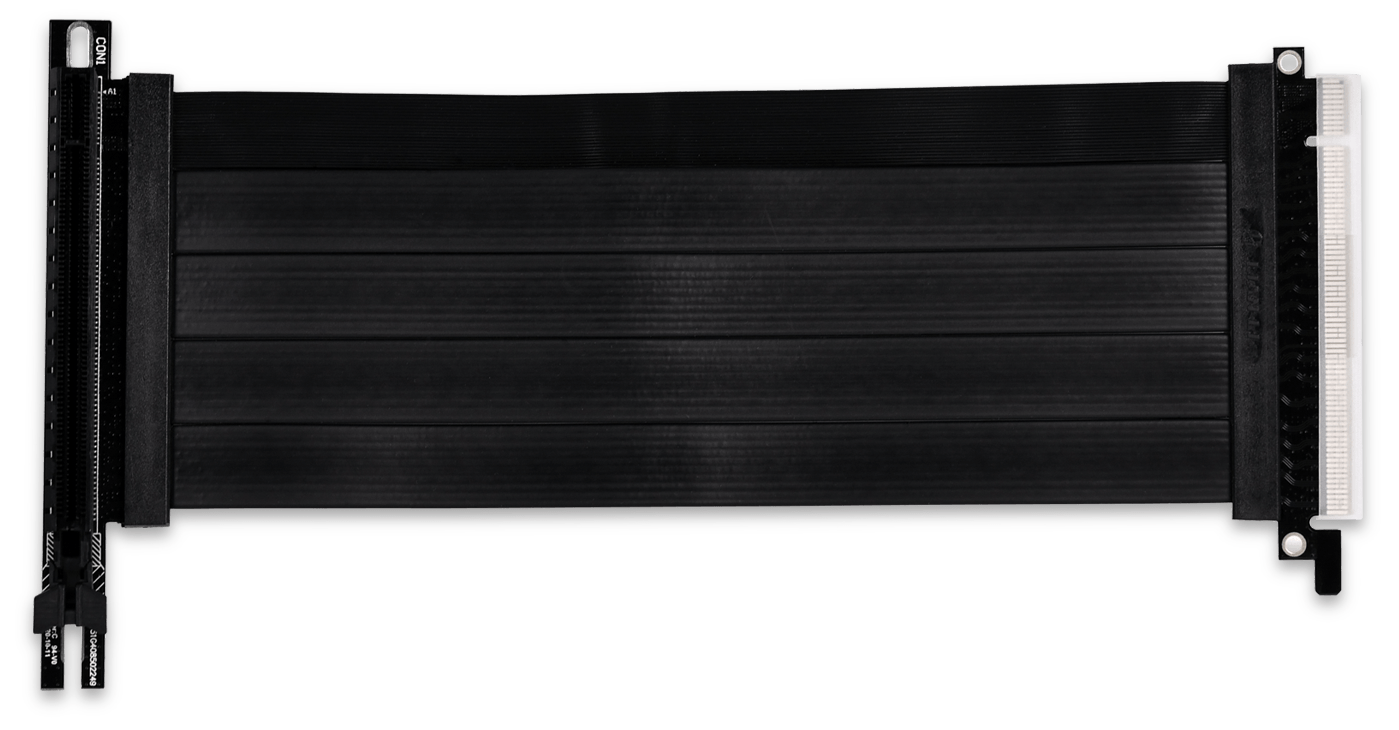
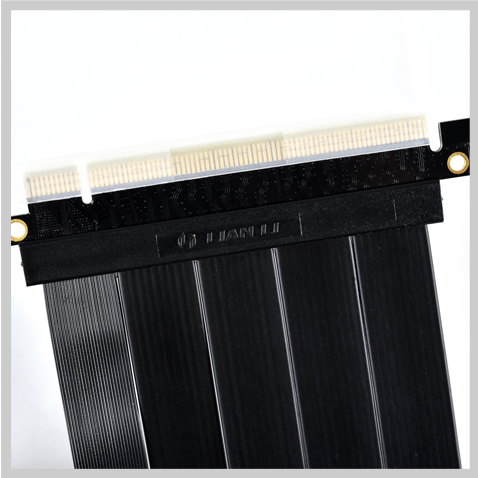
Includes a 200mm long PCIe Gen3 or Gen4 riser cable. Available in black and white.


SIMPLE INSTALLATION

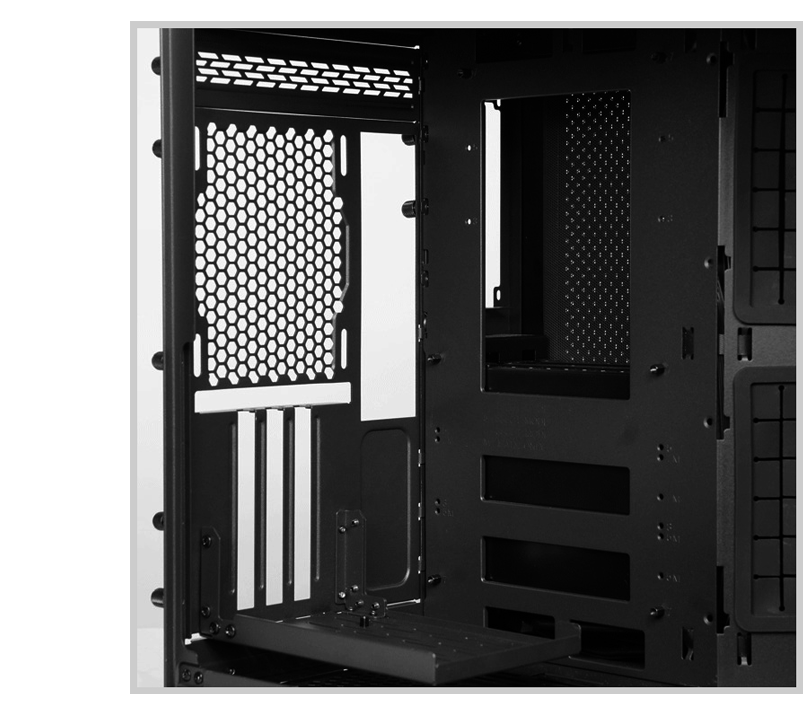
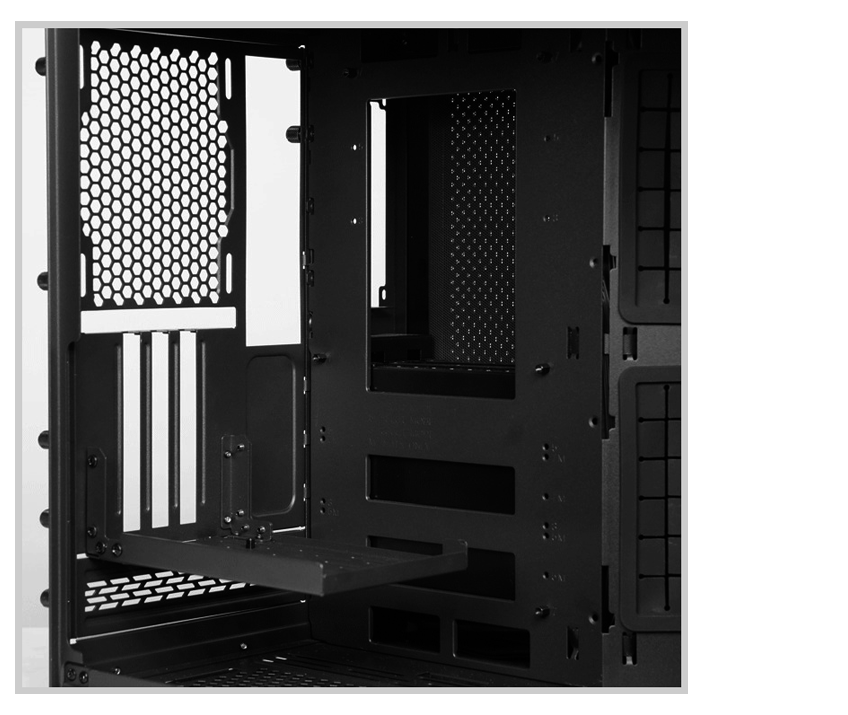
Replace the back panel of O11D MINI with the Vertical GPU Bracket Kit to display the front design of the graphics card. Simply remove the modular back panel of O11D MINI and mount the bracket on.

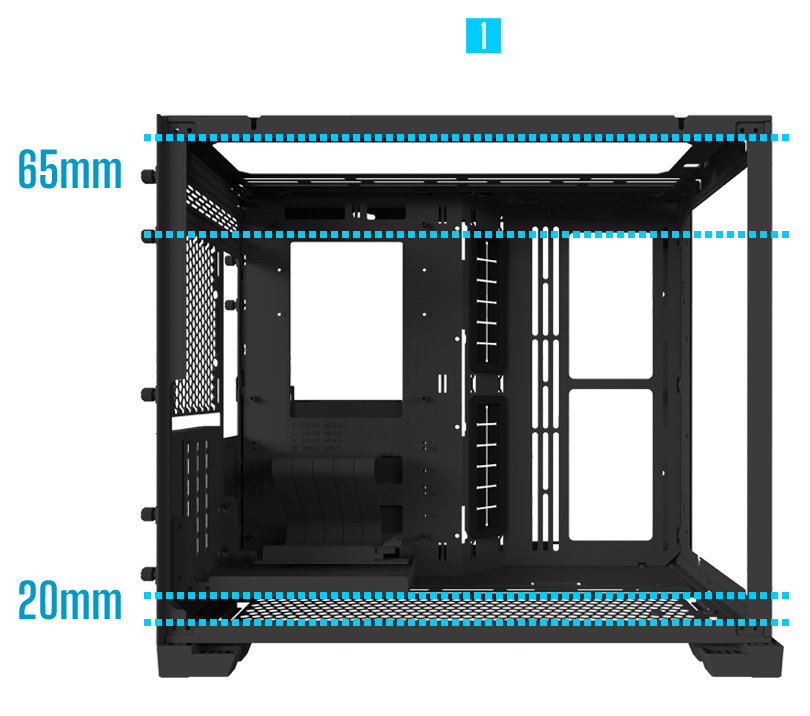
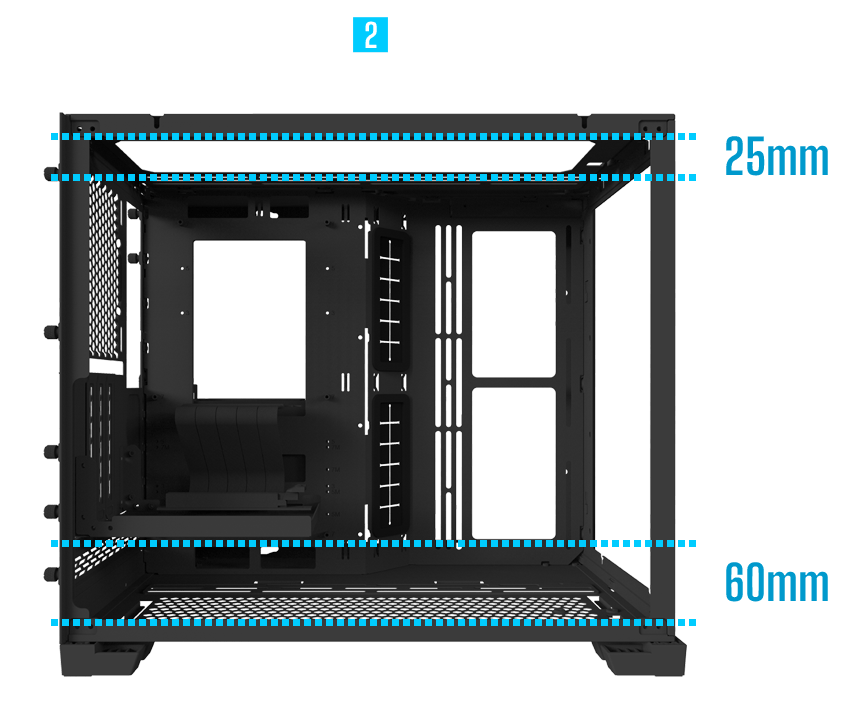
2 OPTIONAL CONFIGURATION MODES

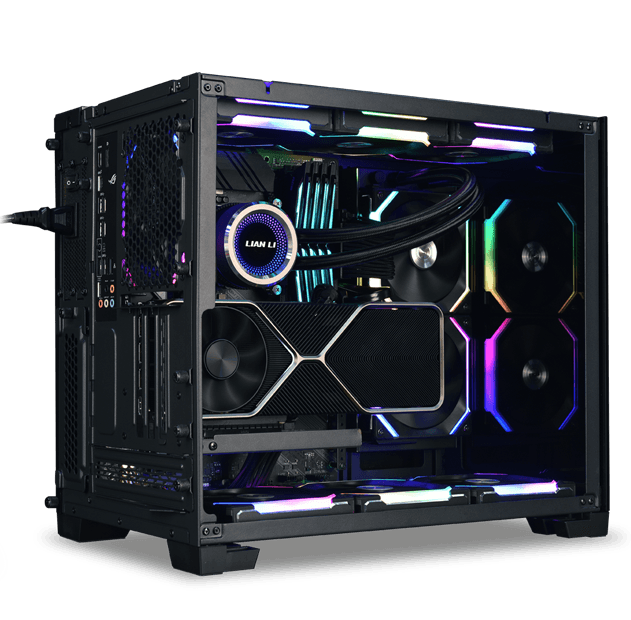
The vertical GPU bracket kit back panel can be adjusted up and down, providing more clearance for the fans and radiator installed at the bottom of the case. This sets the motherboard location in an O11D MINI 7 slots mode or 5 slots mode.

GEN 4.0 PCIE RISER CABLE

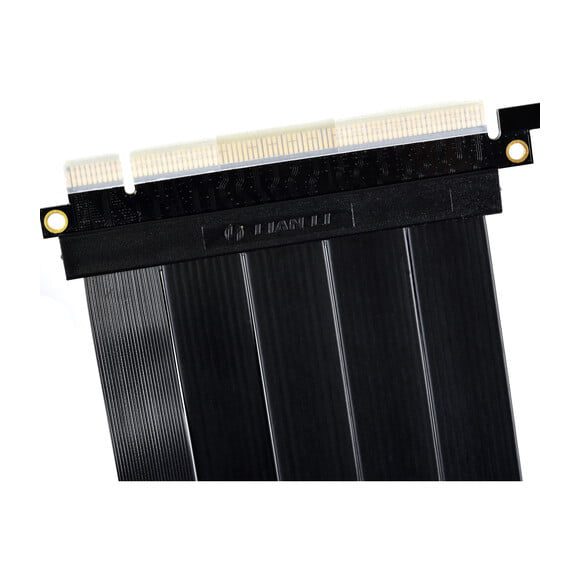
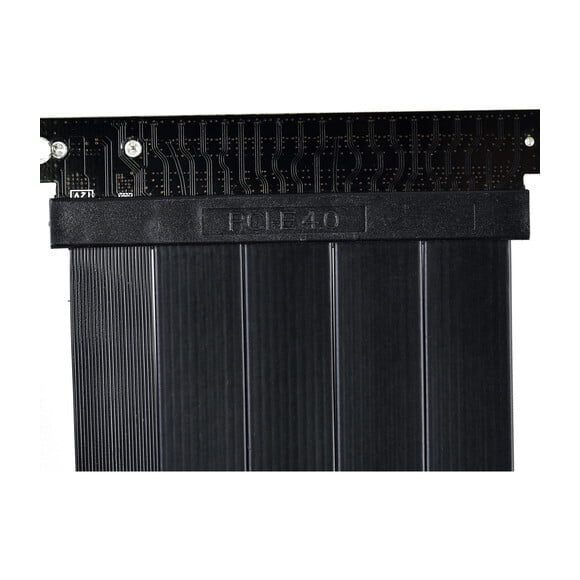
The latest PCIe 4.0 supports transfer rates of 16GT/s bit rate. While providing double the bandwidth of PCIe 3.0, the Gen 4.0 riser cable remains backward compatible with a maximum transfer speed, offers great performance, and shows off the GPU at a great new angle.

Note: The GPU performance can be affected by other components in the system, not only the riser cable.

Note:
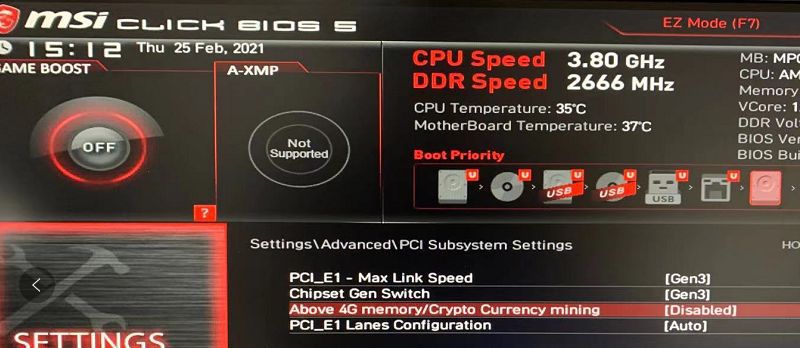
In the condition of using the included riser cable (PCIE3.0) with a PCIE 4.0 motherboard and a PCIE 4.0 GPU, please follow bellow steps to set up your BIOS to make it compatible.

1.Make sure that your motherboard BIOS is the latest version. If not, recommend to update to the latest version.
2. Install your GPU directly to the motherboard and start.
3. Enter your BIOS, set the PCIE slot from “Auto” to “Gen 3”. (Example photo as below, for more please read the manual of your motherboard)


4. Save your settings and turn off the system
5. Install the PCIE 3.0 riser cable to the motherboard and the GPU, the system would be able to work.

Lian Li O11DMINI-1W-4 Specs

PCIe4.0
Cable Length7.9" / 200 mm
PCIe Slots3
MaterialSteel
Dimensions10.7 x 7.5 x 7" / 272.5 x 191.5 x 180 mm
Packaging Info
Package Weight1.705 lb
Box Dimensions (LxWxH)11.6 x 7.8 x 7.3"

Standard nationwide shipping delivers within 2–4 business days depending on destination city across Pakistan. Orders placed before 3:00 PM are processed same-day.
Related Products

Home Shop GPUs Cart WhatsApp