Monitors Open Box
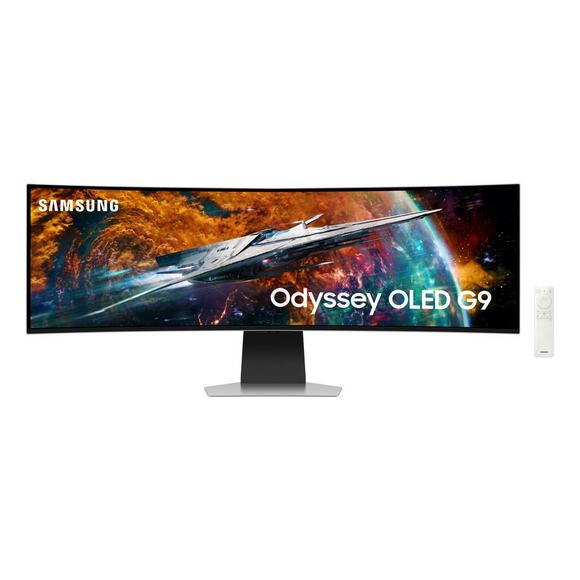
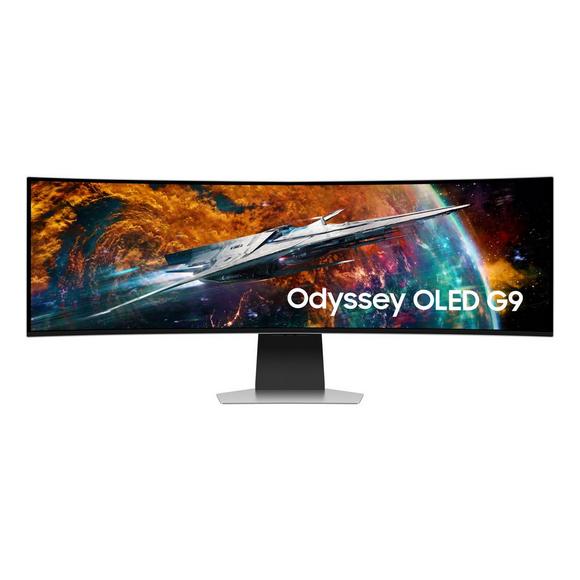
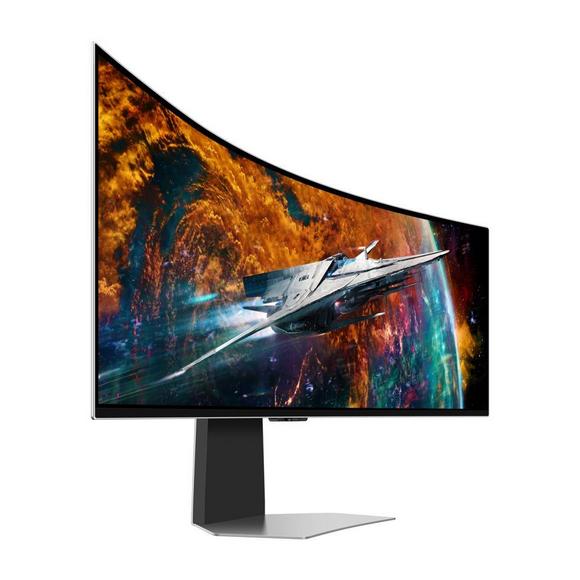
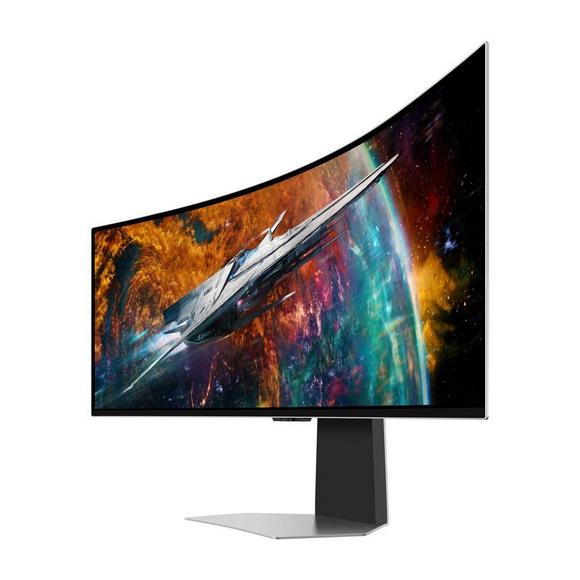
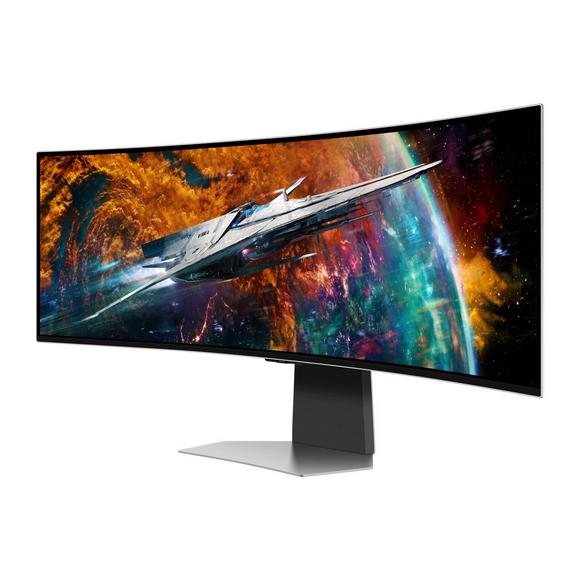
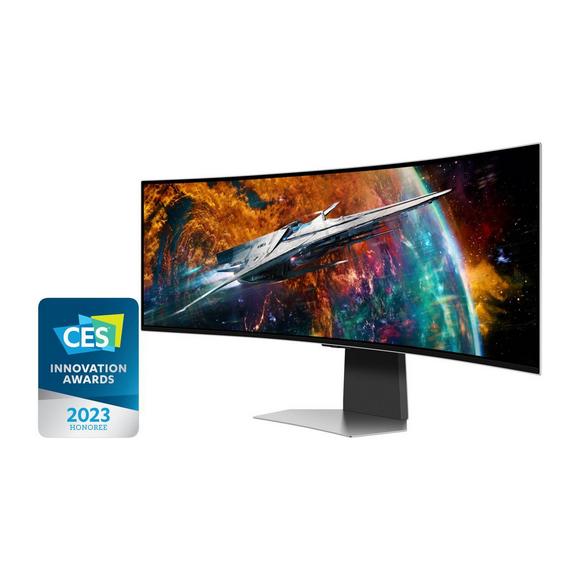
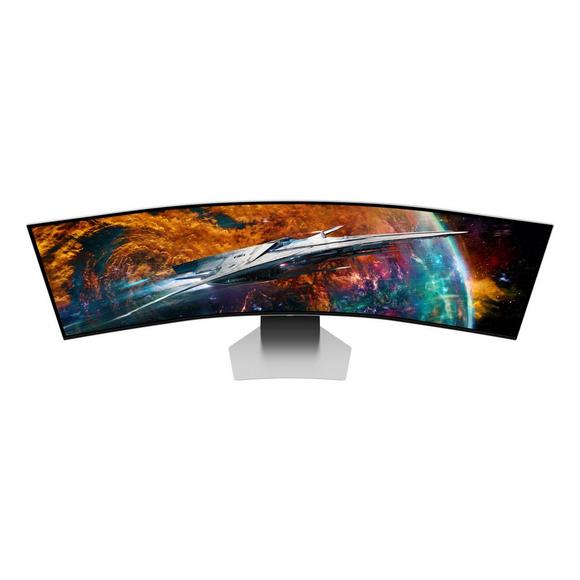
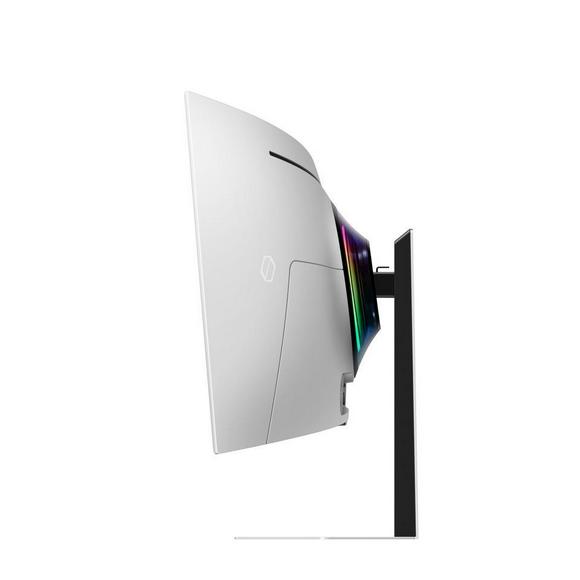
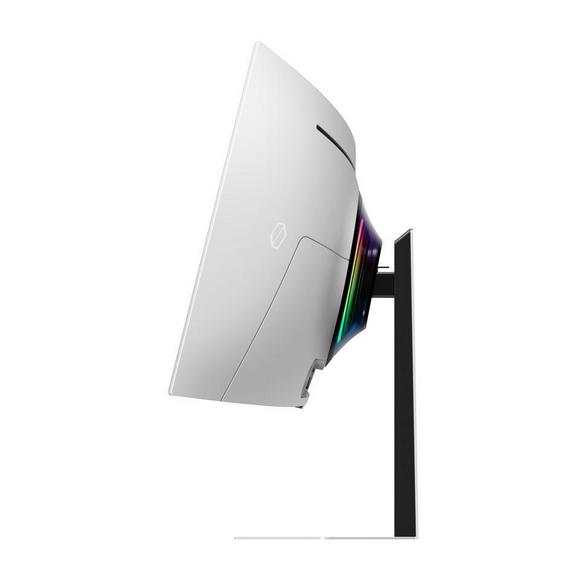
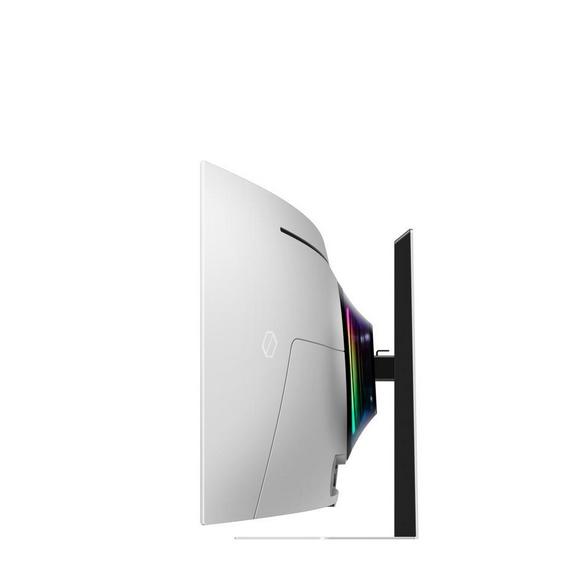
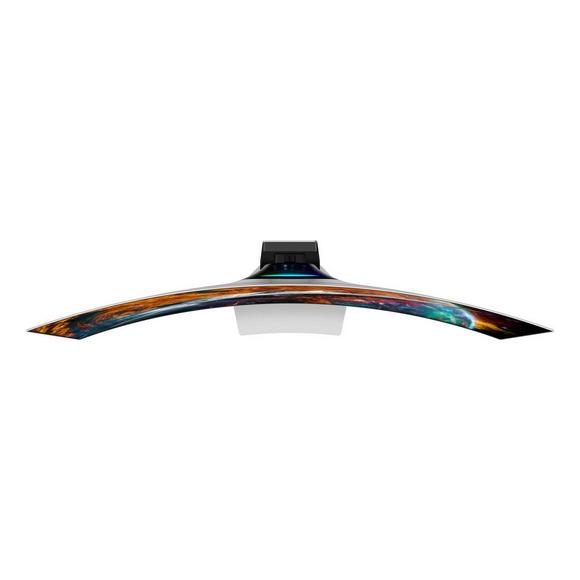
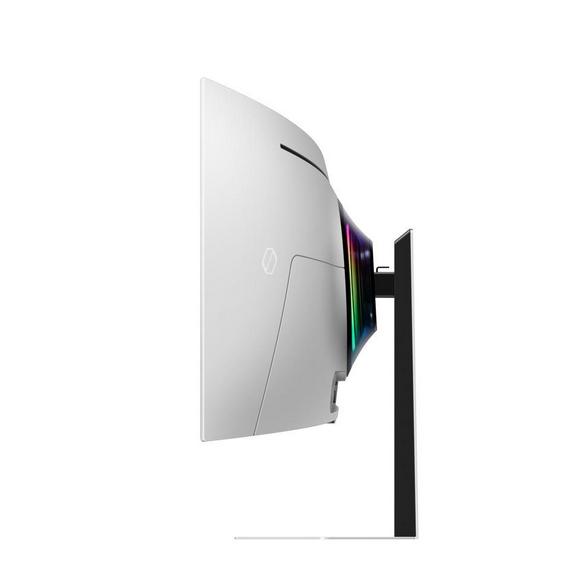
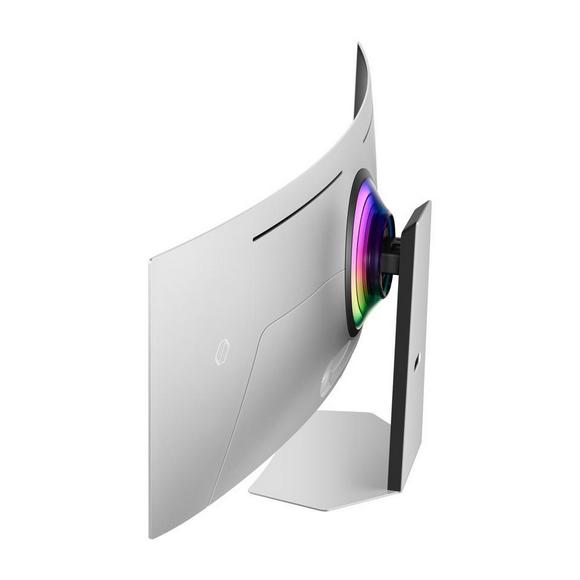
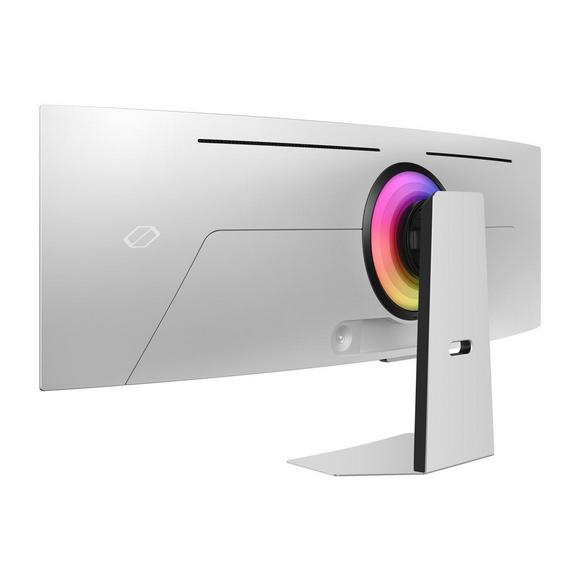
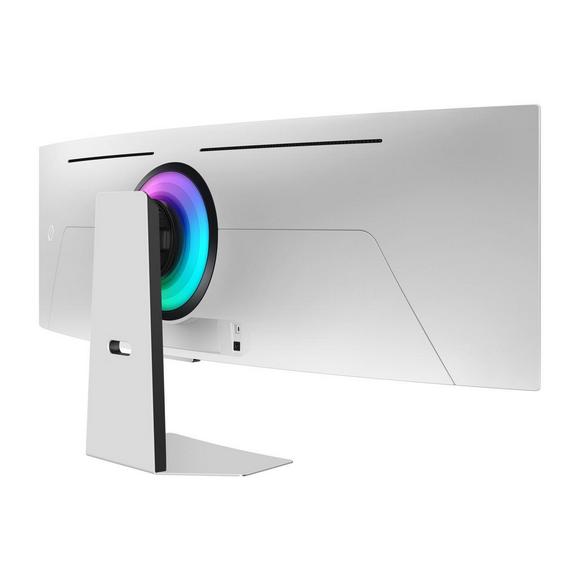
Samsung Open Box Monitors:G9 49 Ls49Cg954Smxue
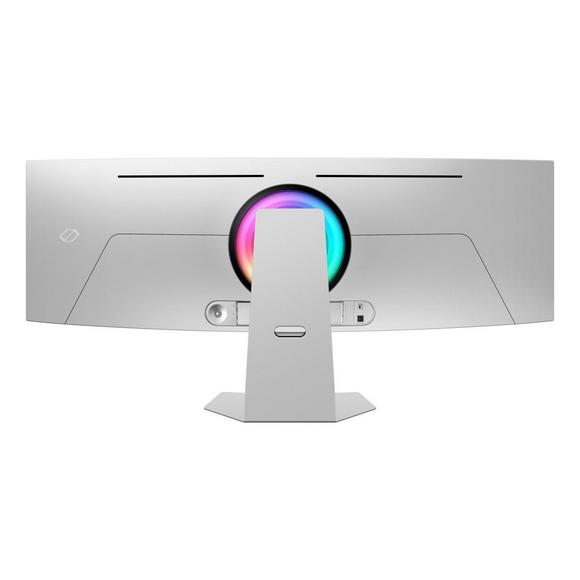
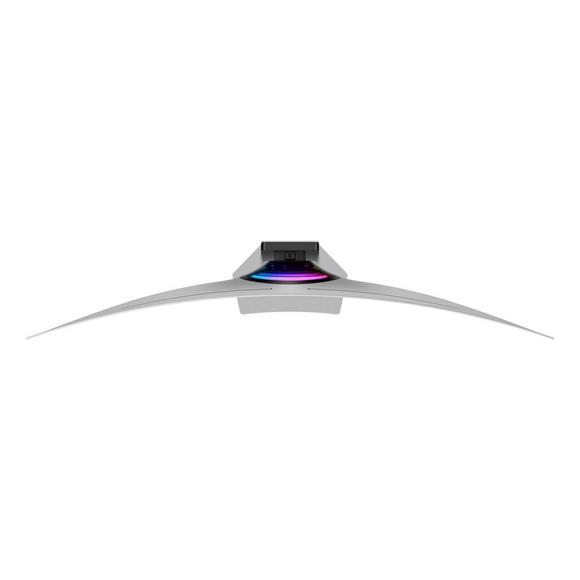
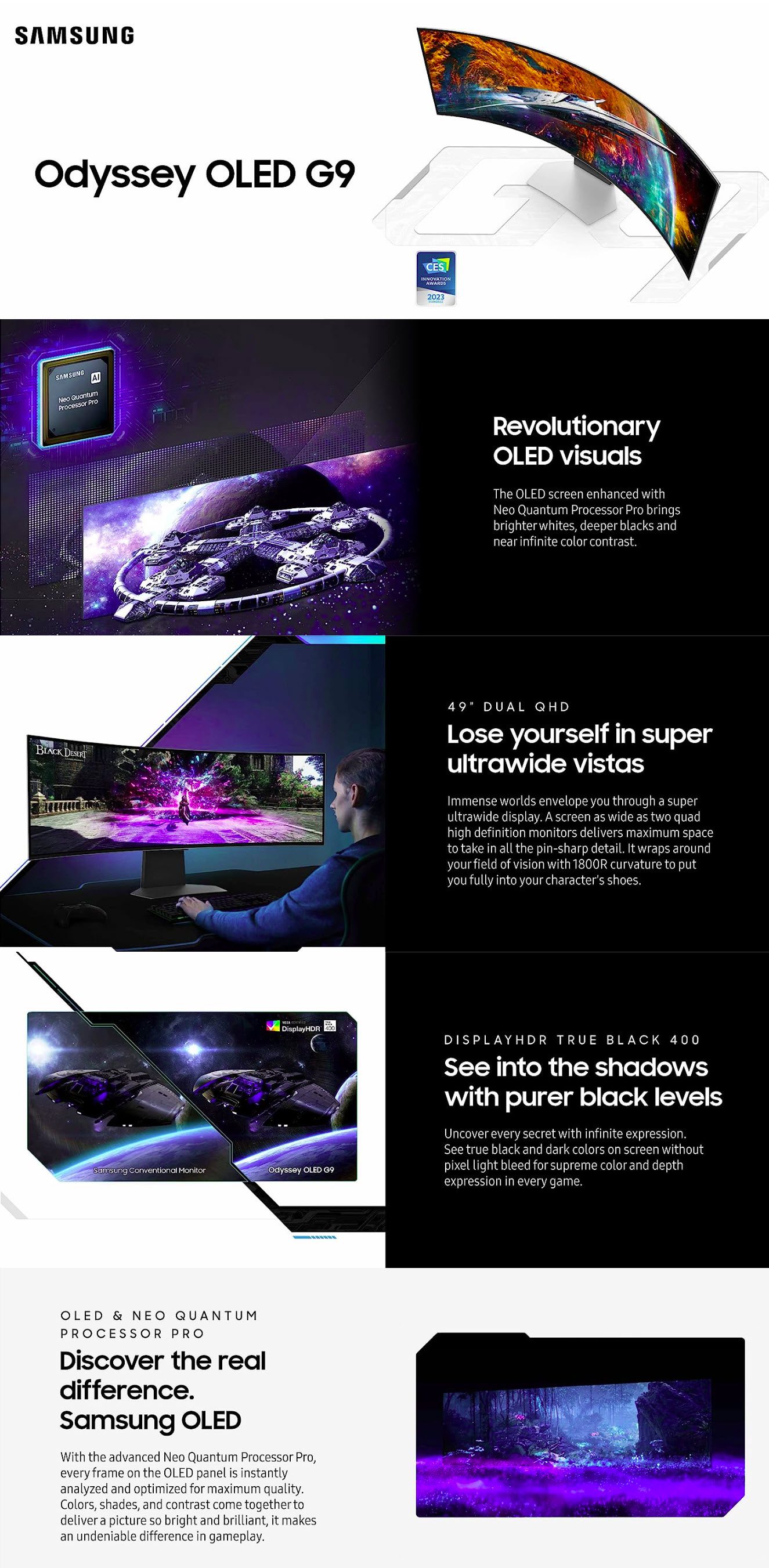
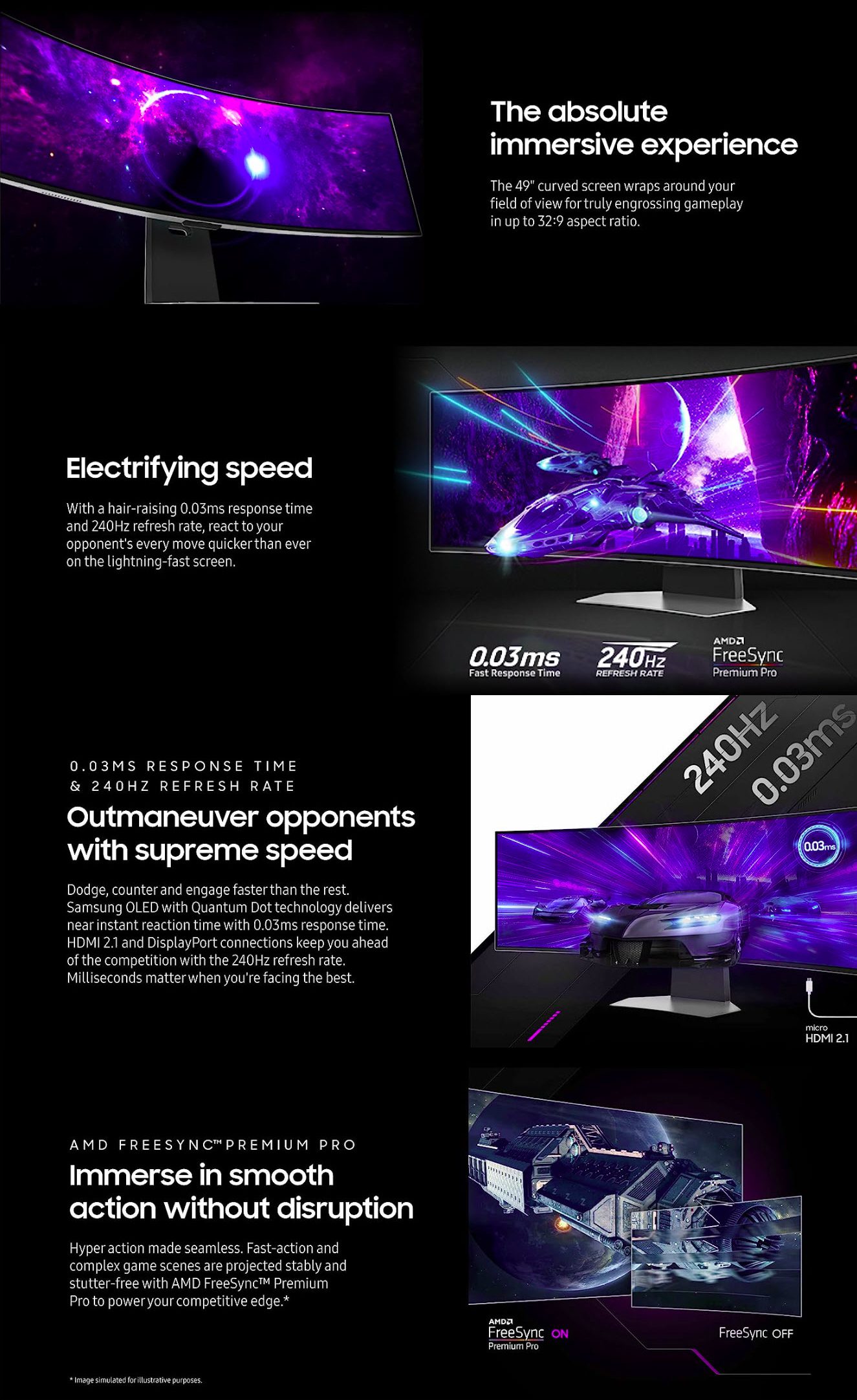
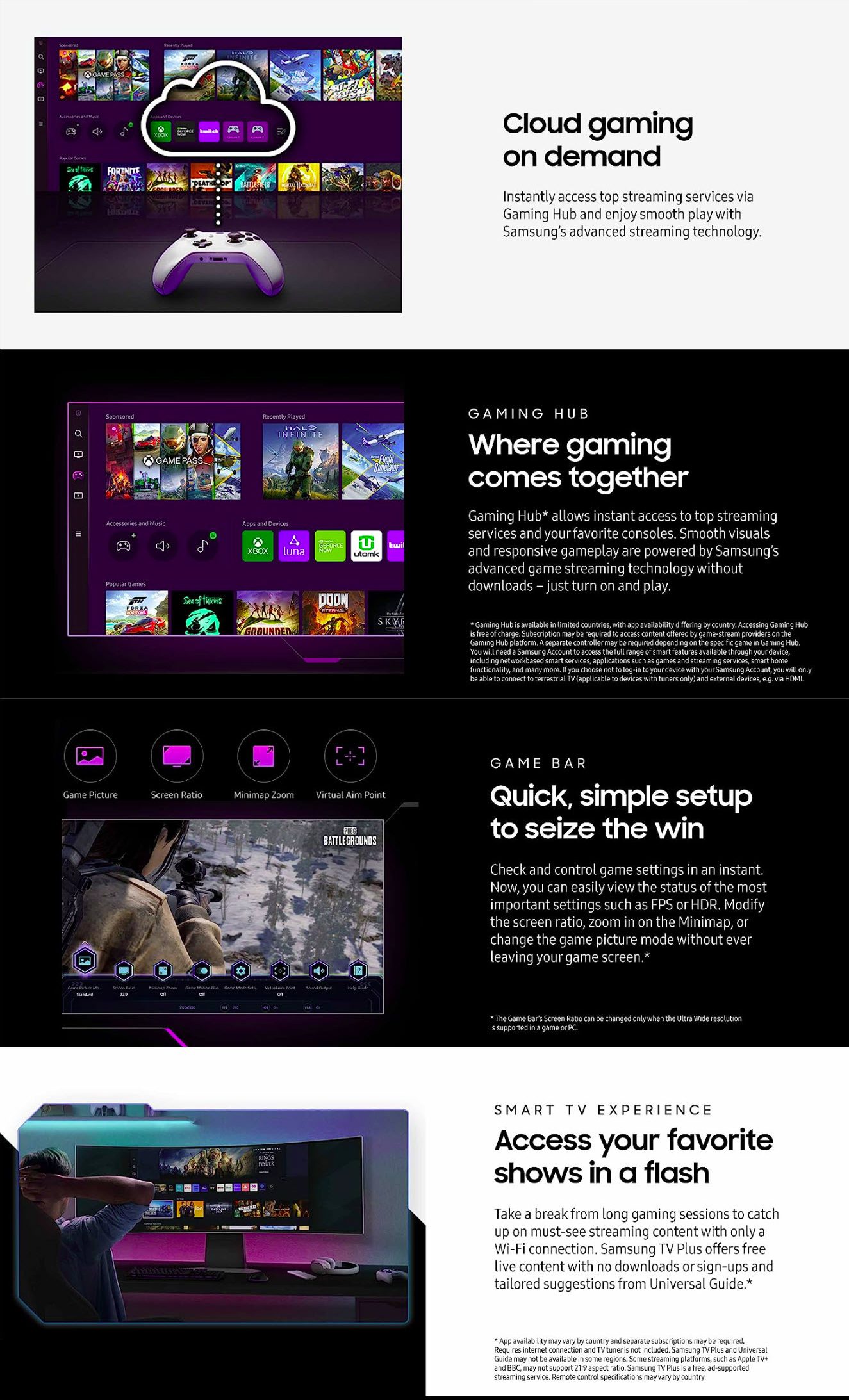
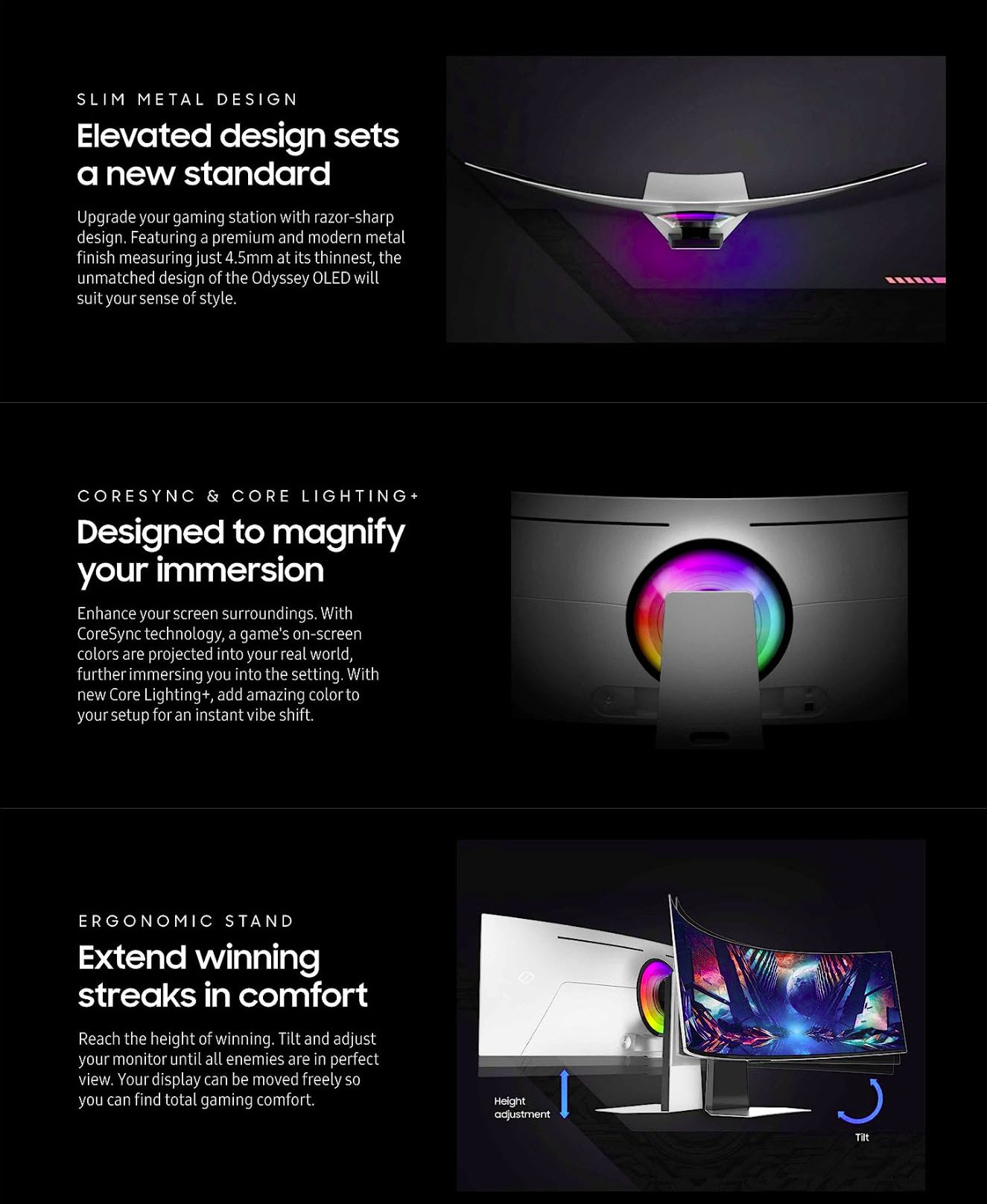
SAMSUNG G9 Odyssey 49" LS49CG954SMXUE G95SC Series OLED Curved Smart 240Hz, 0.03ms, Dual QHD, Neo Quantum Processor Pro, DisplayHDR 400, AMD FreeSync Premium Pro, Gaming Hub Gaming Monitor, Price in Pakistan
| Brand Name of the company-manufacturer. | Samsung |
| Series Name of the series, which the model belongs to. | Odyssey G9 |
| Model Designation of the model. | S49CG954E |
| Model alias Other known designations of the model. | LS49CG954EUXEN LS49CG954ENXZA LS49CG954ECXZW |
| Model year The year in which this model was announced. | 2023 |
Display
Information about the main characteristics of the display - panel, backlight, resolution, refresh rate, etc.
| Size class Size class of the display as declared by the manufacturer. Often this is the rounded value of the actual size of the diagonal in inches. | 49 in (inches) |
| Diagonal Approximate diagonal size of the display. If the manufacturer does not provide such information, the diagonal is calculated from the width and height of the screen. | 1238.18 mm (millimeters) 123.818 cm (centimeters) 48.7472 in (inches) 4.0623 ft (feet) |
| Width Approximate width of the display. If the manufacturer does not provide such information, the width is calculated from the diagonal and the aspect ratio. | 1191.94 mm (millimeters) 119.194 cm (centimeters) 46.9268 in (inches) 3.9106 ft (feet) |
| Height Approximate height of the display. If the manufacturer does not provide such information, the height is calculated from the diagonal and the aspect ratio. | 335.232 mm (millimeters) 33.5232 cm (centimeters) 13.1981 in (inches) 1.0998 ft (feet) |
| Radius of curvature There are curved displays, whose curve is part of a circumference (arc). In order to give more precise information about the curve of the screen, often the manufacturer provides data about the radius of this circumference. The smaller the radius, the larger the screen curve. | 1000 mm (millimeters) 100 cm (centimeters) 39.3701 in (inches) 3.2808 ft (feet) |
| Panel manufacturer Name of the manufacturer of the display panel. | Samsung |
| Panel type There are various panel technologies. Each has its own specific features - viewing angles, color reproduction, response time, brightness/contrast, production cost, etc. The image quality depends directly on the type of the display panel used. | VA |
| Panel bit depth The most widely used panels are those with 6, 8, and 10 bits for each of the RGB components of the pixel. They provide 18-, 24-, and 30-bit color, respectively. | 10 bits |
| Colors The maximum number of colors, which the display is able to reproduce, depends on the type of the panel in use and color enhancing technologies like FRC. | 1073741824 colors 30 bits |
| Aspect ratio The ratio between the horizontal and the vertical side of the display. Some of the standard and widely used aspect ratios are 4:3, 5:4, 16:9 and 16:10. | 3.556:1 |
| Resolution Information about the number of pixels on the horizontal and vertical side of the screen. A higher resolution allows the display of a more detailed and of higher quality image. | 5120 x 1440 pixels |
| Pixel pitch The pixel pitch shows the distance from the centers of two neighboring pixels. In displays, which have a native resolution (the TFT ones, for example), the pixel pitch depends on the resolution and the size of the screen. | 0.233 mm (millimeters) 0.0233 cm (centimeters) 0.0092 in (inches) 0.0008 ft (feet) |
| Pixel density Information of the number of pixels in a unit of length. With the decrease of the display size and the increase of its resolution, the pixel density increases. | 109 ppi (pixels per inch) 42 ppcm (pixels per centimeter) |
| Display area The percentage of the approximate area, taken by the active part of the screen, to the total front area. | 95.79 % (percent) |
| Backlight The backlight is the source of light of the LCD display panels. The type of backlight determines the image quality and the color space of the display. There are various backlights such as CCFL, LED, WLED, RGB-LED, and etc. | W-LED |
| DCI P3 DCI P3 is a color space, introduced in 2007 by the SMPTE. It is used in digital cinema and has a much wider gamut than the sRGB. | 92 % (percent) |
| Brightness Information about the brightness of the screen. It is measured in candela per square metre (cd/m²). | 450 cd/m² (candela per square meter) |
| Peak brightness Often even a higher peak luminance can be achieved under certain conditions. For example, when a smaller area/APL of the display is used for showing a bright object, when a bright object is displayed for a short time, etc. | 1000 cd/m² (candela per square meter) |
| Static contrast The static contrast shows the ratio between the brightest and the darkest color, which the display can reproduce simultaneously, for example, within one and the same frame/scene. | 2500 : 1 |
| HDR HDR expands the contrast ratio (peak luminance and minimal black levels) and color palette to achieve more details across the whole image - from the darkest parts to the brightest ones, which results in more realistic and life-like image. | HDR10 HDR10+ DisplayHDR 1000 HDR10+ Gaming |
| Horizontal viewing angle Information about the maximum horizontal viewing angle, within which the image on the screen is of acceptable quality. | 178 ° (degrees) |
| Vertical viewing angle Information about the maximum vertical viewing angle, within which the image on the screen is of acceptable quality. | 178 ° (degrees) |
| Minimum response time Information about the minimum amount of time, in which the pixels change from one color to another. Very often the manufacturer provides the response time for transition from grey-to-grey (G2G). | 1 ms (milliseconds) 0.0010 s (seconds) |
3D
3D displays use various technologies to achieve a 3D effect. Each of these technologies has its own advantages and drawbacks.
| 3D Information on whether 3D is supported or not. | No |
Frequencies
Information about the horizontal and vertical refresh rates/frequencies.
| Vertical frequency (digital) The vertical frequency/refresh rate shows how many times in a second the image on the screen is refreshed. | 48 Hz - 240 Hz (hertz) |
Power supply and consumption
Information about the power supply and consumption, energy efficiency class, etc.
| 110V Permissible voltage tolerance in a 110-volt electric system. | 100 V - 120 V (volts) |
| 220V Permissible voltage tolerance in a 220-volt electric system. | 220 V - 240 V (volts) |
| Alternating current frequency Requirement regarding the alternating current frequency in the electric system. | 50 Hz - 60 Hz (hertz) |
| Power consumption (off) Power consumption in off-mode. | 0.3 W (watts) |
| Power consumption (sleep) Power consumption in sleep/stand by/suspend mode. | 0.5 W (watts) |
| Power consumption (average) Average power consumption in standard work mode. | 45 W (watts) |
| Power consumption (maximum) The maximum possible power consumption. | 180 W (watts) |
| Power consumption (annual) Estimated power consumption per year in kWh. | 66 kWh (kilowatt-hours) |
| Energy efficiency class The energy efficiency class/label provides general idea about the power consumption. There are different energy efficiency classes and each sets its own requirements regarding the power consumption. Some of the existent energy efficiency classes are A+++, A++, A+, A, B, C, D, E, F, G. | G |
Dimensions, weight and color
Information about the dimensions and the weight of the specific model with and without stand as well as the colors, in which it is offered to the market.
| Width Width without stand in different measurement units. | 1147.6 mm (millimeters) 114.76 cm (centimeters) 45.1811 in (inches) 3.7651 ft (feet) |
| Height Height without stand in different measurement units. | 363.5 mm (millimeters) 36.35 cm (centimeters) 14.311 in (inches) 1.1926 ft (feet) |
| Depth Depth without stand in different measurement units. | 293.8 mm (millimeters) 29.38 cm (centimeters) 11.5669 in (inches) 0.9639 ft (feet) |
| Weight Weight without stand in different measurement units. | 10.6 kg (kilograms) 23.37 lbs (pounds) |
| Width with stand Width with stand in different measurement units. | 1147.6 mm (millimeters) 114.76 cm (centimeters) 45.1811 in (inches) 3.7651 ft (feet) |
| Height with stand Height with stand in different measurement units. | 448.4 mm (millimeters) 44.84 cm (centimeters) 17.6535 in (inches) 1.4711 ft (feet) |
| Depth with stand Depth with stand in different measurement units. | 420.5 mm (millimeters) 42.05 cm (centimeters) 16.5551 in (inches) 1.3796 ft (feet) |
| Weight with stand Weight with stand in different measurement units. | 15.6 kg (kilograms) 34.39 lbs (pounds) |
| Box width Width of the package in different measurement units. | 1265 mm (millimeters) 126.5 cm (centimeters) 49.8031 in (inches) 4.1503 ft (feet) |
| Box height Height of the package in different measurement units. | 481 mm (millimeters) 48.1 cm (centimeters) 18.937 in (inches) 1.5781 ft (feet) |
| Box depth Depth of the package in different measurement units. | 343 mm (millimeters) 34.3 cm (centimeters) 13.5039 in (inches) 1.1253 ft (feet) |
| Box weight Weight of the product with all accessories and packaging in different measurement units. | 20.6 kg (kilograms) 45.42 lbs (pounds) |
| Stand depth Depth of the stand in different measurement units. | 420.5 mm (millimeters) 42.05 cm (centimeters) 16.5551 in (inches) 1.3796 ft (feet) |
| Colors Information about the colors, in which the specific model is offered to the market. | Black |
Ergonomics
Information about the ergonomic functions - height adjustment, swivel angles, tilt angles, etc.
| VESA mount Information about whether there is a possibility for wall mounting according to the VESA Mounting Interface Standard (MIS). | Yes |
| VESA interface There are many various interfaces under the VESA standard, which differ in the size of the brackets, the distances between the screw holes and their number. | 100 x 100 mm |
| Removable stand Information about whether the stand can be dismounted. Usually, this is required for wall mounting. | Yes |
| Height adjustment Information about whether the stand allows height adjustment. | Yes |
| Height adjustment range Information about the extent to which the stand allows the height to be adjusted. | 120 mm (millimeters) 12 cm (centimeters) 4.7244 in (inches) 0.3937 ft (feet) |
| Landscape/portrait pivot Some displays have the ability to operate in landscape and portrait mode alike. | No |
| Left/right swivel Information whether the display can be swiveled around the stand axis. | Yes |
| Left swivel Maximum swivel degree of the display to the left of the stand axis. | 15 ° (degrees) |
| Right swivel Maximum swivel degree of the display to the right of the stand axis. | 15 ° (degrees) |
| Forward/backward tilt Most displays have the ability to be tilted forward and backward as to provide a more comfortable viewing position for the user. | Yes |
| Forward tilt Maximum degree of forward tilting of the display. | 2 ° (degrees) |
| Backward tilt Maximum degree of backward tilting of the display. | 11 ° (degrees) |
Camera
Many contemporary desktop monitors and smart TV sets have built-in cameras.
| Camera Information whether the current model has a built-in camera or not. | No |
Connectivity
Available connectivity ports, slots and interfaces.
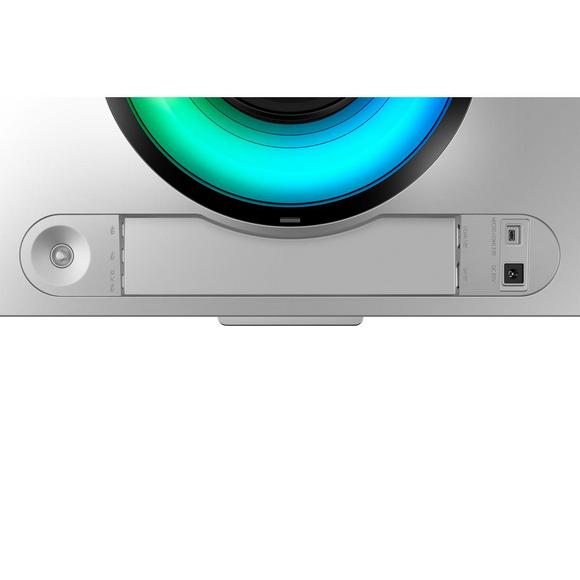
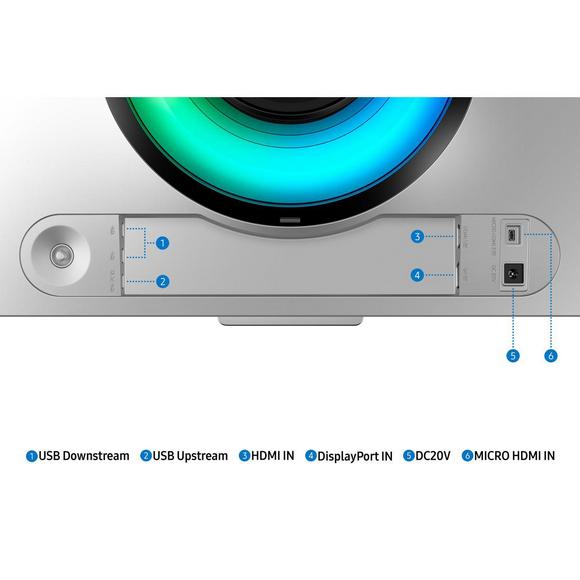
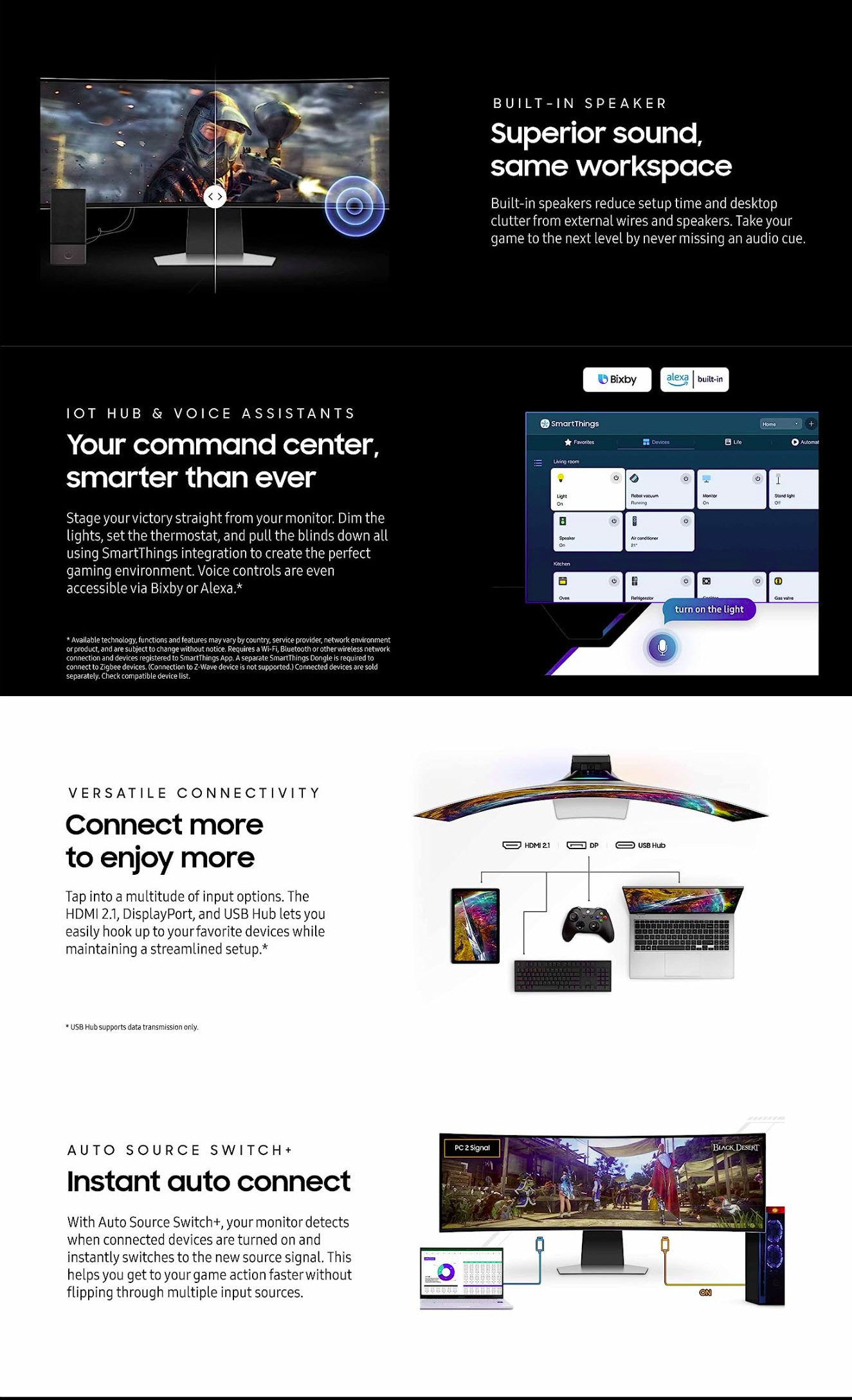
| Connectivity Information about the available connectivity ports, slots and interfaces such as USB, infrared port, SD card slot, audio/video and network interfaces, etc. | 2 x USB 3.0 (Type-A; downstream) 2 x HDMI 2.1 1 x DisplayPort 1.4 1 x 3.5 mm Audio Out |
| High-bandwidth Digital Content Protection (HDCP) 2.2 |
Features
Some additional functional features of the model.
| Features Information about additional software features, technologies, functions and services of the model. | Adaptive Picture AMD FreeSync Premium Pro Auto Source Switch+ Black Equalizer Color Mode Core Sync Eye Saver Mode Flicker-free technology Game Mode HDR Tone Mapping Low Blue Light Low Input Lag Off Timer Plis Picture-by-Picture Picture-in-Picture Refresh Rate Optimizer Super Arena Gaming UX Virtual Aim Point |
Operating and storage conditions
There are certain requirements for the environmental conditions, in which the display should be used and stored in order to function properly.
| Operating temperature The operating temperature shows the safe temperature range (from minimum to maximum), within which the display will function flawlessly. Outside this range it might operate improperly and/or fail entirely. | 10 °C - 40 °C (degrees Celsius) 50 °F - 104 °F (degrees Fahrenheit) |
| Operating humidity The operating humidity shows the acceptable level of humidity, in which the display will function flawlessly. It sets a lower and an upper humidity level for safe operation and is measured in percentage. | 10 % - 80 % (percent) |
Accessories
Often the packaging of desktop monitors and smart TV sets includes accessories for them.
| Accessories Information about some of the main accessories included in the standard packaging of the current model. | DisplayPort cable HDMI cable USB 3.0 cable |
https://www.youtube.com/watch?v=eqYFCStCwAg
Standard nationwide shipping delivers within 2–4 business days depending on destination city across Pakistan. Orders placed before 3:00 PM are processed same-day.
Related Products
Samsung Open Box Monitors:M5 27 Ls27Bm500Em
Samsung Open Box Monitors:Ls24C360Eam